Your Cart is Empty


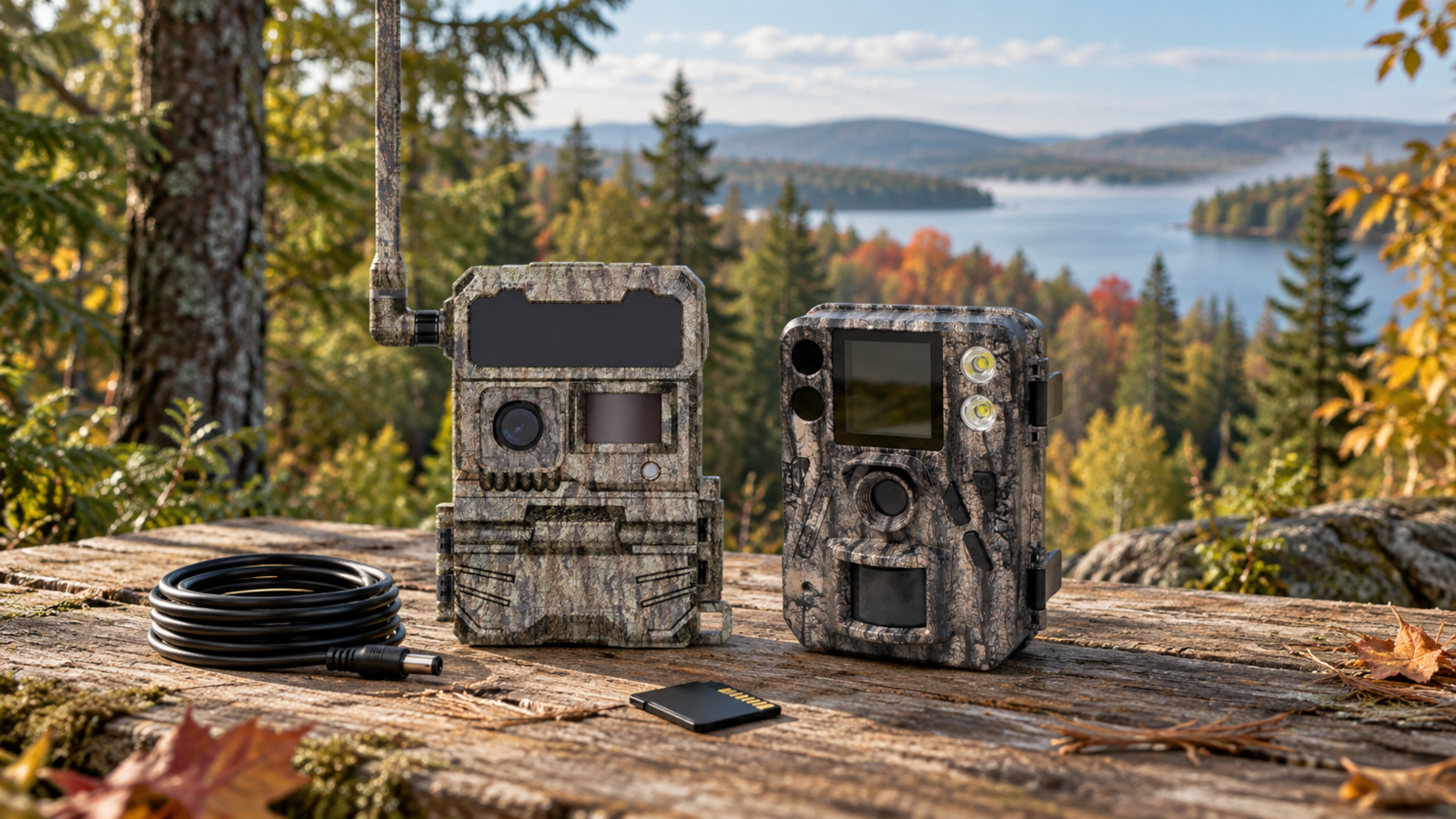

A trail camera is the starting point for your setup. To use it in the field, you also need a memory card, a suitable power source and, depending on your needs, mounting or protective accessories.
The Huntdoor Kit Builder helps you put your setup together step by step. Start with how you want to view your images, choose your camera model, then add the accessories you need.
The first question is simple: do you want to receive images remotely or retrieve them when you visit your camera?
A cellular camera lets you receive images in the app. This is useful for monitoring a remote location or reducing trips made simply to retrieve photos.
The Kit Builder offers ACCESS and ACCESS-L cameras. Cellular features require an active subscription and compatible network coverage where the camera is installed. The subscription is separate from the hardware purchase.
A non-cellular camera records images on a memory card that you access by visiting the camera. This option is useful if you regularly visit your property or prefer a setup without a cellular subscription.
The Boly models offered in the Kit Builder are the SG520-Plus, BG590-4K and SG2060-T.
Both options lead to the same goal: putting together a camera and accessories suited to your installation.

Once you have selected your camera type, compare the available models based on how you plan to use them. Consider how often you will visit, which features you will use and your budget for the complete setup.
For cellular models, ACCESS offers features such as GPS and Live Video. ACCESS-L focuses on simplicity and reduced power consumption. Actual battery life depends on your settings, activity in front of the camera and field conditions.
The essentials step lets you choose a memory card suited to your selected camera. The required card format and specifications can vary by model.
Already have a compatible card? You can continue without adding one. Also check what is included with your selected camera variant: some kits may already include a memory card.
Choose your power supply based on the location and the time between visits. The Kit Builder displays options associated with your camera model, such as batteries, a lithium cartridge or solar solutions.
Before choosing an option, ask yourself three questions:
Check what each product includes. A solar panel or kit does not necessarily include the battery or every connection you need. Having a solar panel also does not guarantee unlimited operating time.
Depending on your camera model and the options offered, you can add cables, an adjustable mount or a security box. Choose them based on your mounting location, the position of your power source and field conditions.
You do not need to select an item at every step. The goal is to build a useful setup while taking into account the equipment you already own.
Before adding your kit to the cart, review your camera model, variants, accessories and quantities. Make sure you have not selected an extra item that is already included in a kit.
You can then add your selection to the cart to continue with your order. For a cellular setup, you will also need to activate the subscription required for remote operation.
Whether you want to monitor your property remotely or retrieve images on-site, start by choosing your camera type. The Kit Builder will then guide you through the remaining steps.
Unsure about a power source or connection? Contact Huntdoor support for help checking your setup
Comments will be approved before showing up.